
01
Choose an audio file
Select an MP3, WAV, FLAC or M4A file from your device. Files must be under 50 MB and no longer than 10 minutes.
AI AUDIO SEPARATION
Use this free AI vocal remover as a vocal isolator: isolate vocals from a song for a cover, practice or remix. Preview and download the vocal track, or make a karaoke backing track when you need the instrumental instead.
Powered by Demucs, an open-source music separation model developed by Meta.
Remove vocals from a song
Drop an audio file here or choose one from your device
MP3, WAV, FLAC or M4A · up to 50 MB · up to 10 minutes
Audio is sent securely for AI processing. Temporary input and result files expire after one hour. Only upload audio you have permission to use.
No audio file selected
No audio file selected
A vocal isolator, also called an AI vocal remover, separates a mixed recording into a vocal track and instrumental parts. The vocal track is the focus here: choose Six stems to download it alongside drums, bass, guitar, piano and other instruments, or use Karaoke for a vocal and backing-track pair. Use the isolated voice as an acapella starting point for a cover or remix. Source separation is an estimate, so reverb, bleed and overlapping sounds may remain.
Demucs source separation
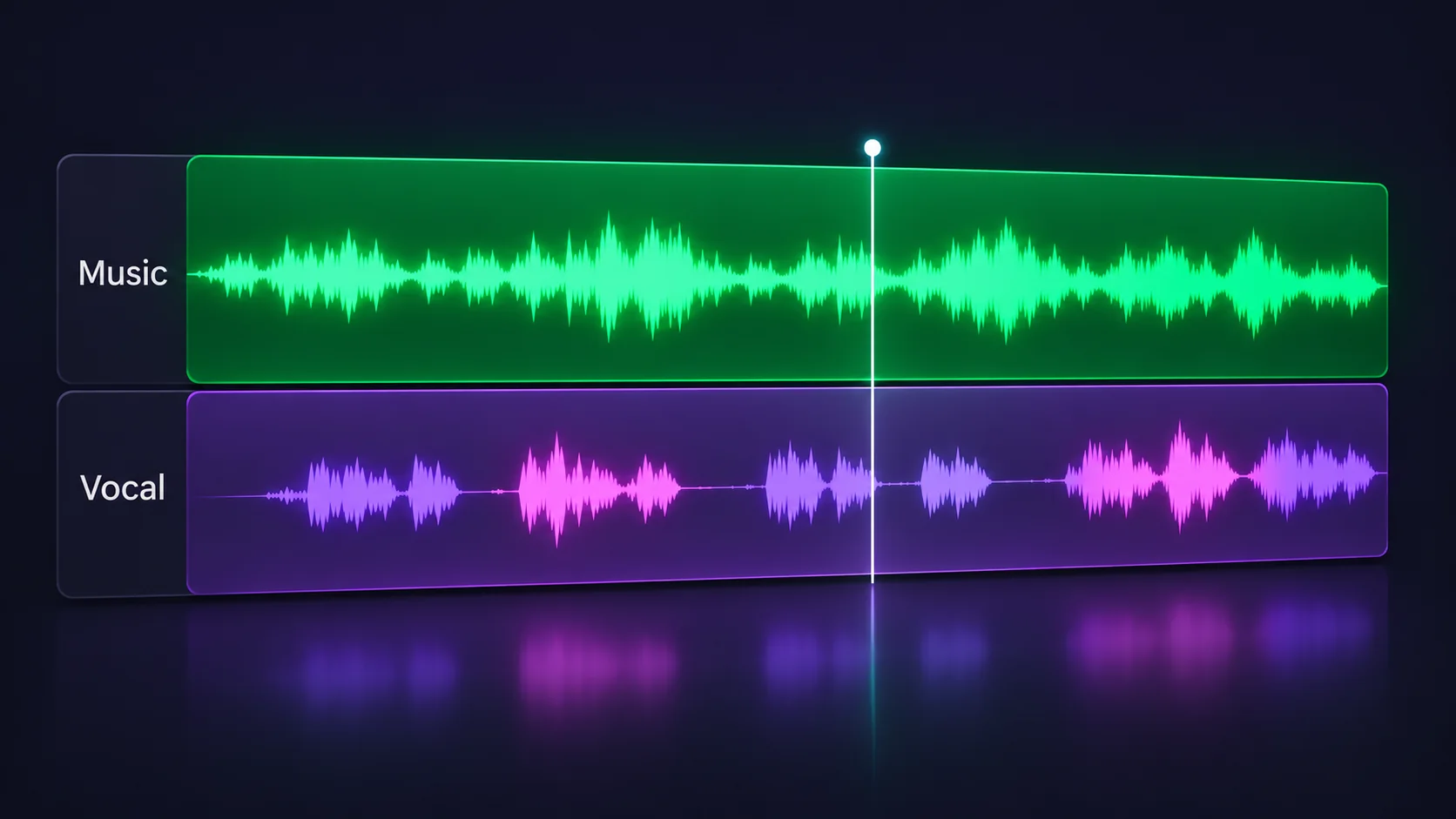
Karaoke mode returns the isolated lead vocal and a combined backing track together. Use the vocal for a cover or rehearsal; keep the instrumental when you want to sing along.
Six-stem mode separates vocals, drums, bass, guitar, piano and other instruments into individual tracks. Preview parts on their own for practice, arranging, sampling or remix work.
Three quick steps
Select an MP3, WAV, FLAC or M4A file from your device. Files must be under 50 MB and no longer than 10 minutes.
Choose Six stems to focus on the isolated vocal alongside the instrument tracks, or Karaoke to get a vocal and a combined instrumental backing track.
When processing finishes, play each separated track in your browser and download the stems you want to keep.
Listen to the isolated singer while rehearsing a part, learning phrasing or preparing a vocal performance.
Isolate vocals, drums or bass as a starting point for edits, mashups and new arrangements.
Hear the lead vocal separately while studying a performance or preparing your own cover and edit.
Isolate vocals to study phrasing, practice a part or get an acapella starting track for a remix. Small artifacts can remain in complex mixes.
Use this free AI vocal remover as a vocal isolator: isolate vocals from a song for a cover, practice or remix. Preview and download the vocal track, or make a karaoke backing track when you need the instrumental instead.
A vocal isolator, also called an AI vocal remover, separates a mixed recording into a vocal track and instrumental parts. The vocal track is the focus here: choose Six stems to download it alongside drums, bass, guitar, piano and other instruments, or use Karaoke for a vocal and backing-track pair. Use the isolated voice as an acapella starting point for a cover or remix. Source separation is an estimate, so reverb, bleed and overlapping sounds may remain.
An AI vocal remover (or vocal isolator) estimates which sounds in a mixed recording are vocals and which are instruments, then returns separate audio tracks. Use Karaoke for a vocal plus backing track, or Six stems for individual parts.
Choose Six stems to get the vocal track separately, or use Karaoke to preview vocals and a backing track together. If by “remove vocals from song” you mean keep only the accompaniment, open our Instrumental Remover page.
Yes. This online AI vocal remover is free to use and does not require a subscription or account. Processing is rate-limited to help keep the service available.
Yes. Choose Six stems to download the separated vocals track, which can serve as an acapella starting point for practice, covers or remixing. Separation can leave some instrumental bleed or effects in the vocal.
Yes. Karaoke mode returns vocals and a combined instrumental backing track. Choose Six stems if you also want drums, bass, guitar, piano and other instruments as separate audio files.
Karaoke mode gives you a vocal track and one mixed instrumental backing track. Six-stem mode separates vocals, drums, bass, guitar, piano and other instruments for more detailed editing.
Upload MP3, WAV, FLAC or M4A audio up to 50 MB and 10 minutes long. Browser and codec support can vary by device.
Processing time depends on the track length and current service demand. A short song may finish in seconds, while longer audio can take more time. Keep this page open until the tracks are ready.
No. Audio is sent securely to the online service for processing. Temporary input and result files expire after one hour, and audio payloads are not stored in request history.
Source separation is an estimate, not a perfect reconstruction. Reverb, backing vocals, distortion and overlapping frequencies can leave artifacts or instrumental bleed in the vocal track.
That depends on the rights to the original recording and composition. Separation does not grant permission to sample, publish or sell copyrighted music; check your licenses before commercial use.
This tool accepts audio files selected from your device, not streaming links. Only upload audio you own or are authorized to process.