
01
Start from a supported Suno page
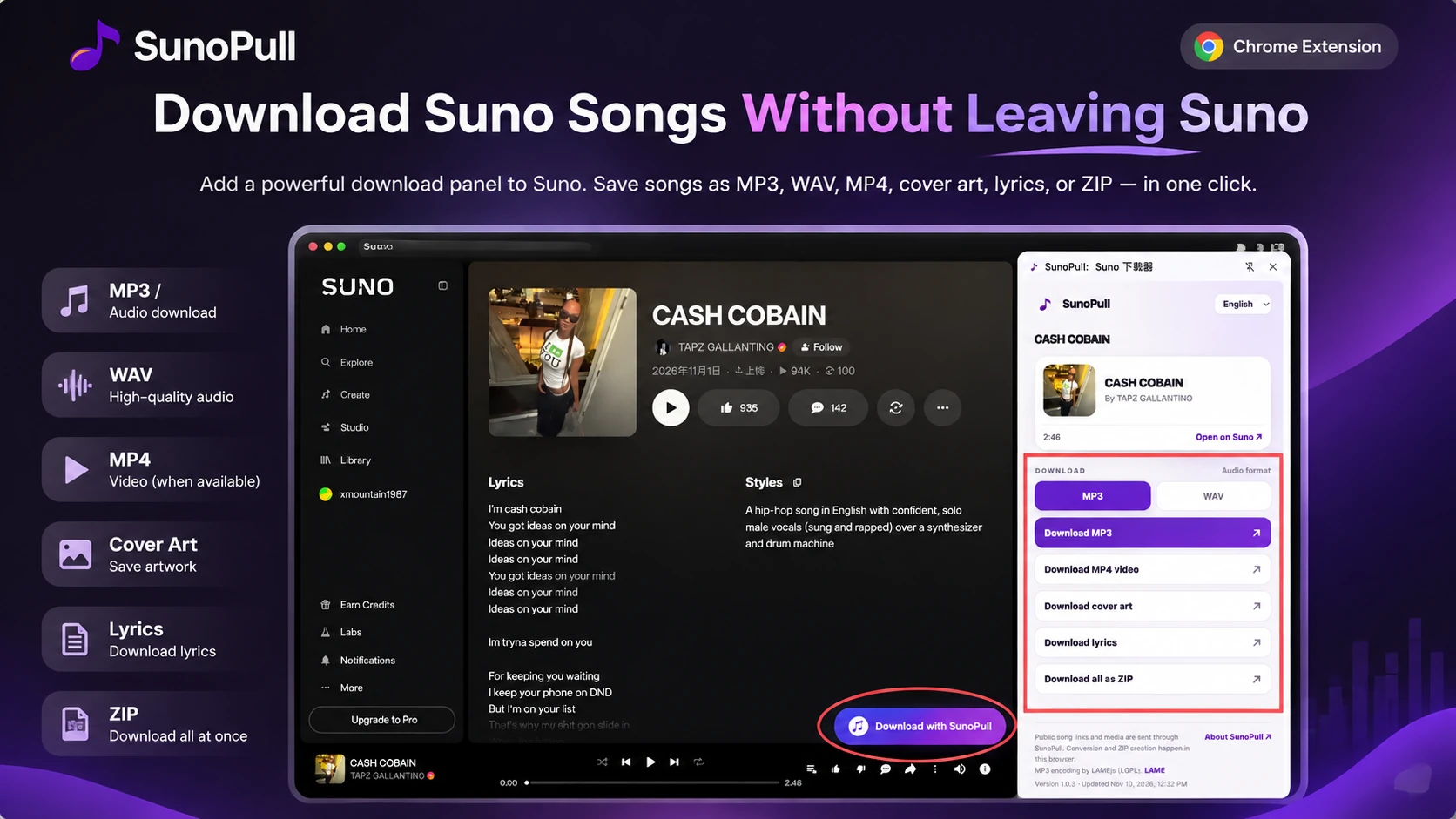
A SunoPull button appears on supported public song, Hook, and /s/ share-link pages, so you can open the current track without copying its URL.
SUNOPULL FOR CHROME
Save a public Suno song from its page with a download panel built into your browser.
Looking for a Chrome Suno downloader? SunoPull is a Suno AI downloader extension that adds a download button to supported public Suno song, Hook, and share-link pages. Open the side panel to review the current track and choose an available file.
For Chrome 116+ and Chromium-based Edge 116+. Supports public Suno pages only.
HOW IT WORKS
After the Chrome Web Store listing is available, install the extension once. Then open a supported public track and use the button and side panel to choose your download.
Stay on the supported Suno page
Review the current song
Video, cover art, and lyrics depend on what Suno makes public for the song.
Audio conversion and ZIP creation run in your browser.
MADE FOR THE SONG YOU ARE VIEWING
The extension focuses on the public track open in your current Suno tab. It keeps the download controls close to the song, while the side panel shows the choices available for that track.
A SunoPull button appears on supported public song, Hook, and /s/ share-link pages, so you can open the current track without copying its URL.
The browser side panel shows the resolved song details and keeps its download actions available alongside your Suno tab.
Save converted MP3 or WAV audio, an available MP4, cover art, available lyrics, or a ZIP package for one public song.
THE EXTENSION IN SUNO
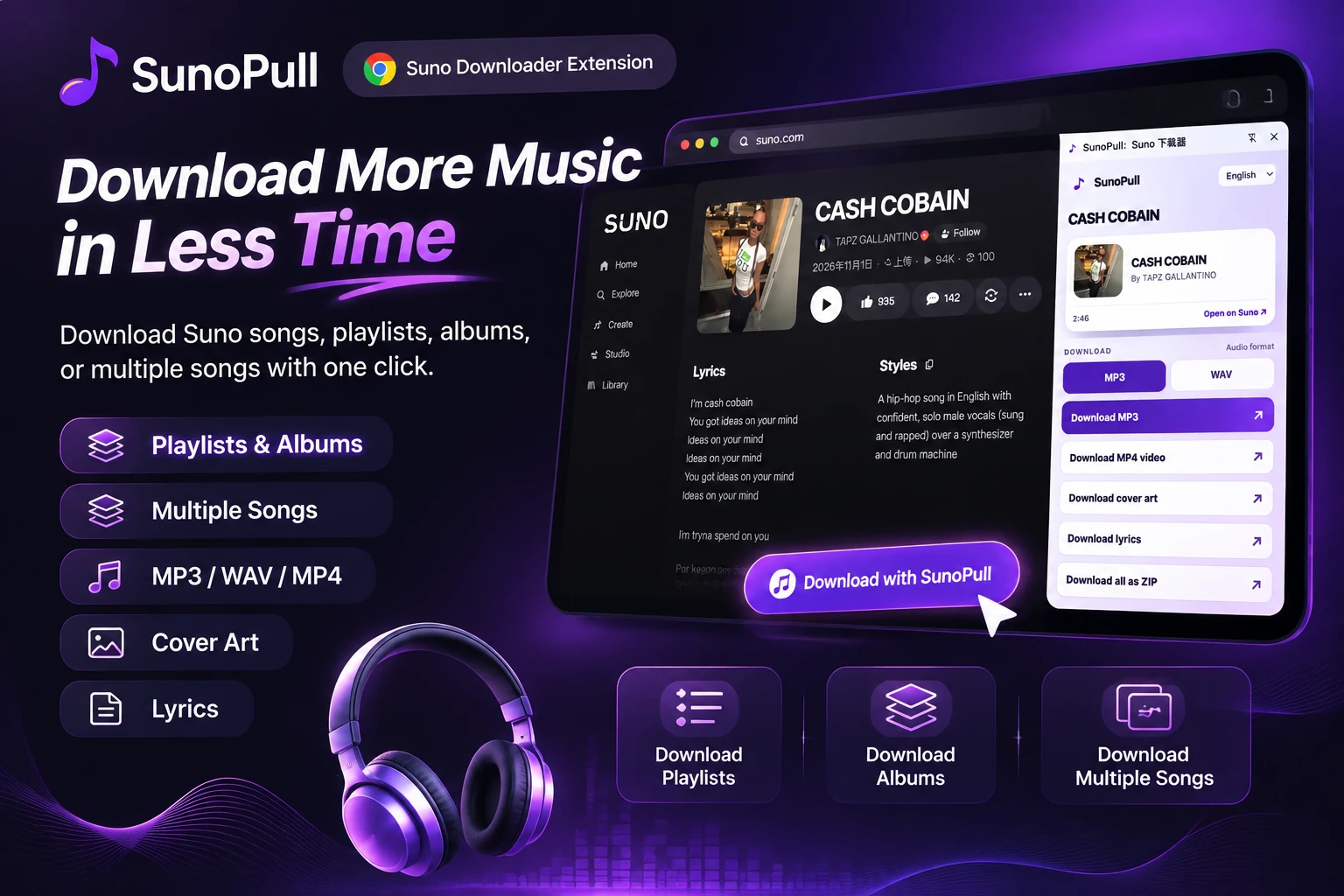
View the side panel beside a Suno song page and explore the download options available for public tracks.
SUPPORTED DOWNLOADS
The side panel offers the formats and files the current song supports. Suno may not expose every video, cover image, or lyric for every track.
Convert the available public audio to an MP3 file in your browser.
Convert the available public audio to a 16-bit PCM WAV file in your browser.
Save the public video when Suno makes one available for the song.
Save the available cover image as a JPEG.
Save available song lyrics as a plain-text file.
Package the chosen audio, MP4, and available cover or lyrics into a ZIP.
PICK YOUR WORKFLOW
Choose the SunoPull option that matches how many songs you want to save and whether you want to stay on Suno.
Download one public song from its supported Suno page without copying the link into another tab.
Under review in the Chrome Web StorePaste one public song link into the website when you prefer a browser-based workflow without installing an extension.
Open the single song downloaderLoad up to 20 public song links, select tracks, and export audio or video files in ZIP packages.
Compare batch downloadsLoad a supported public Suno playlist and save its available tracks together.
Open the playlist downloaderSunoPull reads the current URL on supported Suno pages to find the public track. It does not read Suno cookies, account state, or song-page text, and it does not keep a song history. The public URL is sent to SunoPull to resolve track details; validated audio, video, and cover requests also pass through SunoPull.
The extension does not access private songs or bypass Suno account restrictions. Audio conversion, cover conversion, and ZIP assembly happen in your browser, while public URLs and media pass through SunoPull. Standard hosting logs may record requests. SunoPull is independent and is not affiliated with Suno. Download content only when you have the rights to do so.
Read the SunoPull Privacy PolicyEXTENSION FAQ
No. Open a supported public song, Hook, or share-link page on Suno and click the SunoPull button. The side panel uses the current page URL.
The extension can convert public audio to MP3 or WAV. It can also save an available MP4, cover image, lyrics text file, or ZIP. Some files depend on what Suno exposes for that song.
No. The extension currently handles one public track at a time. Use the SunoPull Batch Downloader for multiple song links or the Playlist Downloader for a supported public playlist.
No. It works with supported public Suno pages and media only. It does not bypass privacy settings or account restrictions.
The Chrome Web Store listing link is not available yet. It will be added to this page when published. Until then, you can use the SunoPull web downloader.
While the Chrome extension listing is being prepared, you can use the SunoPull website for single-song, batch, and playlist downloads.