
FREE IN-BROWSER MUSIC ANALYZER
Key & BPM Finder
Use this free key and BPM finder with MP3 audio, a direct audio link, or tap tempo. For a YouTube BPM finder workflow, play the video and tap along; a pasted video page cannot be decoded here. Audio file analysis stays in your browser.
Analyze a song
Audio is analyzed on this device. Files are not sent to our server. Direct links are fetched by your browser and depend on the source's CORS settings. Browser analysis powered by Essentia.js
How to find a song's BPM and key
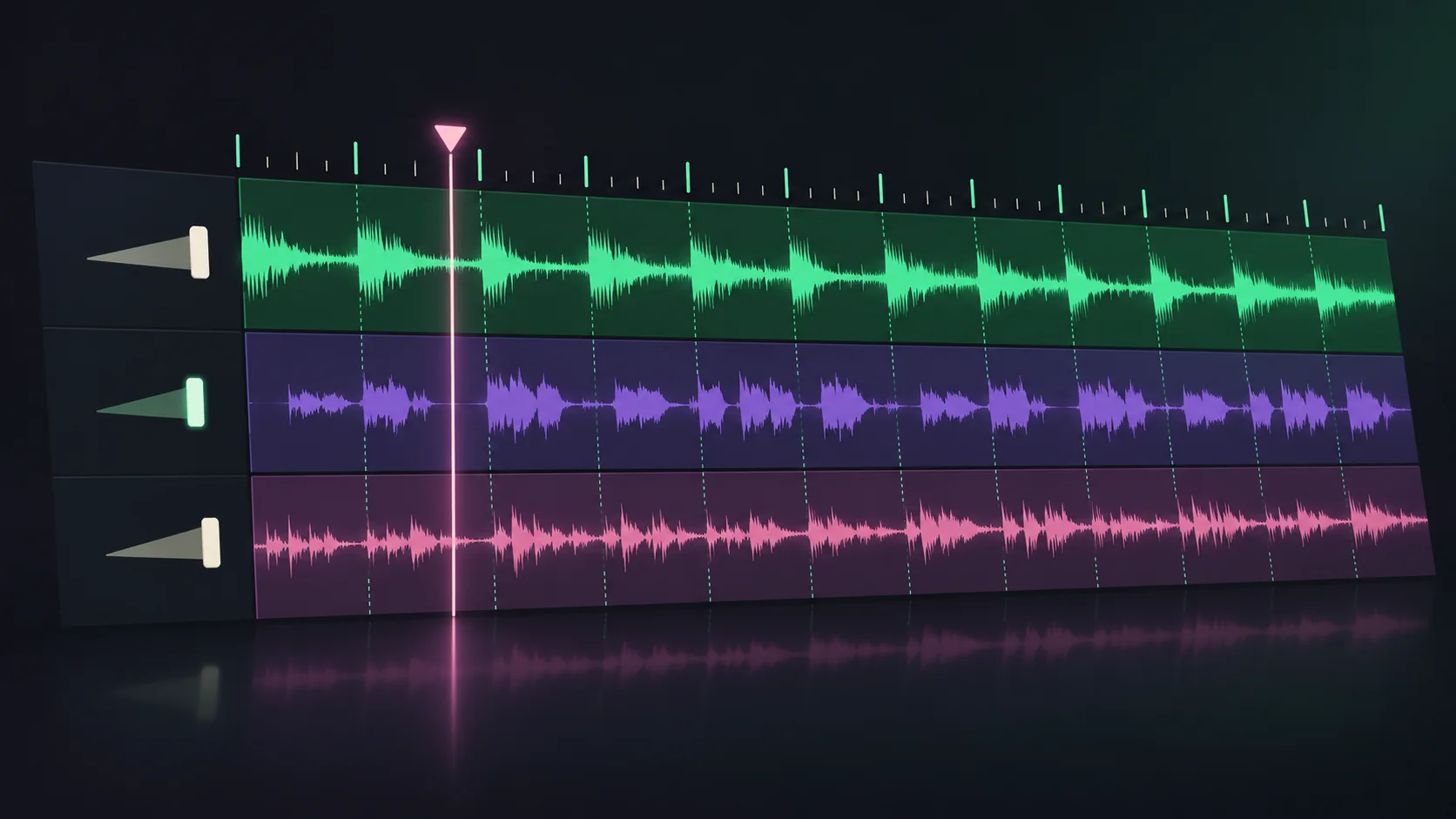
This key and BPM finder reads the audio you provide, then returns the tempo, estimated musical key, Camelot code and beat confidence in one result.
- 01
Choose how to start
Upload an MP3 or another supported audio file, paste a direct audio link, or tap along if the song is playing somewhere you cannot upload from.
- 02
Run the browser analysis
Essentia.js checks up to 60 seconds from the middle of the song for beat patterns and harmonic pitch. The audio stays on your device; no account or server upload is needed.
- 03
Read and sanity-check the result
Compare BPM, key and Camelot code. If the tempo feels twice as fast or slow, check the half-time and double-time values; confidence helps flag harder audio.
Musical key
What key is this song in? Get its key and Camelot code
A song key finder estimates the tonal center and whether the track sounds major or minor. This BPM and key finder also maps that estimate to a Camelot code, such as A minor / 8A, so DJs can scan for nearby harmonic matches. Treat the key as a useful estimate: drum-only loops, short clips, heavy effects and songs that change harmony can make any key finder uncertain.
BPM
BPM of popular songs: use examples as a starting point
Popular songs can be counted at half-time or double-time, and edits or live versions may differ. These familiar tempo references show why the exact recording matters; use the BPM finder on your own audio when you need a dependable reading.
| Song | Common BPM count |
|---|---|
| Billie Jean — Michael Jackson | about 117 BPM |
| Shape of You — Ed Sheeran | about 96 BPM |
| Uptown Funk — Mark Ronson ft. Bruno Mars | about 115 BPM |
| Blinding Lights — The Weeknd | about 86 or 171 BPM |
The 86 / 171 reading is the same pulse counted in half-time or double-time. BPM databases can disagree because they may use different versions or counting conventions.
BPM
BPM to milliseconds: convert a beat or bar
To convert BPM to milliseconds, divide 60,000 by the tempo. At 120 BPM, each beat lasts 500 ms; in 4/4, a four-beat bar lasts 2,000 ms. Use the beat value to line up samples, delays and edits, or the bar value to plan a loop.
Milliseconds per beat
500.0 ms
Milliseconds per 4/4 bar
2000.0 ms
Change the tempo to see the beat and bar length update instantly.
Answers about song keys, audio files and links, tempo checks, playback and privacy.
Key & BPM Finder FAQs
Can I find a song's tempo from a YouTube or Spotify link?
A YouTube or Spotify page link does not give this browser tool access to the song audio. Open the song and use Tap tempo, or paste a public direct audio-file URL that supports browser CORS. Microphone and browser-tab capture are not available on this page.
Can a song key finder show the Camelot code too?
Yes. The result includes the estimated key and scale plus its Camelot wheel code, such as A minor / 8A. Camelot codes help DJs compare nearby harmonic keys, but the detected song key is still an estimate.
Why does a song's BPM look half or double what I expected?
A groove can be counted on the main beat or at twice that pulse, so 86 and 172 BPM may describe the same feel. Compare the half-time and double-time values, then choose the count that fits your beat grid.
How accurate is an online BPM and key finder?
Steady songs with clear drums are easier to measure than rubato, sparse or changing-tempo tracks. The confidence value describes beat tracking, while key detection can be uncertain on percussion-heavy or harmonically ambiguous audio. Treat both as estimates and check by ear.
Is this song key and tempo finder free to use?
Yes. You can analyze a song without creating an account or installing an app. Upload analysis runs in your browser, and you can try the included demo track before choosing your own audio.
Do I need to upload my audio, and where is it stored?
Audio files you select are decoded and analyzed on your device; they are not uploaded to our server. Direct audio links are fetched by your browser from their source and need CORS access. Your result history and replay audio are kept in this browser, where you can clear them at any time.
Which audio formats and file sizes does the song key finder support?
Choose MP3, WAV, FLAC, M4A, AAC or OGG audio up to 100 MB. Your browser must be able to decode the selected format. Clips shorter than four seconds are too short for this analyzer to measure reliably.
How can I find a song's tempo without an audio file?
Open Tap tempo and tap along with the beat. After four taps, the tool estimates the tempo from the intervals; a pause of more than 2.5 seconds starts a fresh count. Tap tempo gives you a tempo estimate, but it cannot identify the song key or Camelot code without audio analysis.
What does the confidence score mean?
For an analyzed audio file, Essentia's confidence is a relative beat-tracking score, not a probability that the result is correct. For Tap tempo, the percentage reflects how consistently your taps were spaced. Neither score is a separate confidence rating for the detected key.
Can I listen to the song after the analysis?
Yes. Use Play in the shared result panel to preview the selected track, seek on its waveform and hear the beat-grid clicks. Previous tracks in Results can be replayed from browser storage, and Try the demo track loads a sample if you do not have a file ready.
How do I adjust the tempo or check whether the beat grid is right?
Open Check beat grid while a song is selected. Listen to the song with the synthesized click, then adjust the tempo by 0.1 BPM, halve or double it, or move the beat offset by 10 ms. Use Beat 1 = now to reset the grid's starting point.
Can I analyze several songs and export the results?
Analyze tracks one at a time; each completed result is added to the Results history in this browser. Use Copy all or Export CSV to take the saved BPM, key, Camelot code and confidence values into another app. The tool does not queue a batch of files in one action.
Why does this song key finder disagree with Spotify or another database?
Different services use different analysis methods, and the audio version, edit or live recording may not match the one you are checking. Tempo can also be counted in half-time or double-time, while key tools can choose a relative major or minor. Treat the result as an estimate for the exact audio you selected.
How long does it take to find a song's tempo and key?
Analysis time depends on your device and browser. To keep the page responsive, the analyzer checks up to 60 seconds from the middle of the track rather than processing the full song.
Why did the analyzer find no tempo or musical key?
Check that the file is at least four seconds long, has audible sound and uses a format your browser can decode. Ambient audio, sparse beats, noisy recordings or music with changing tempo or harmony may not produce a steady estimate.
Is a tempo finder the same as a BPM finder?
Yes. Tempo is the speed of a song, and BPM means beats per minute—the unit used to express that speed. A tempo finder and a BPM finder are two names for tools that estimate the same value.
Analyze a song
This key and BPM finder reads the audio you provide, then returns the tempo, estimated musical key, Camelot code and beat confidence in one result.