
Vocals
A separate vocal track for listening, practice or authorized remix work.
AI MUSIC STEM SEPARATION
Separate a song into vocals, drums, bass, guitar, piano and other instruments. Upload an audio file, then preview each stem and download the parts you need.
Powered by Demucs, an open-source music source-separation model developed by Meta.
Split a song into individual stems
Drop an audio file here or choose one from your device
MP3, WAV, FLAC or M4A · up to 50 MB · up to 10 minutes
Audio is sent securely for AI processing. Temporary input and result files expire after one hour. Only upload audio you have permission to use.
Choose a song to see its separated stems here.
Choose a song to see its separated stems here.
A stem splitter separates a finished song mix into individual audio parts, often called stems. Instead of working with one combined track, you can listen to the vocals, rhythm section and other instruments separately. This AI stem splitter uses Demucs, an open-source source-separation model developed by Meta, to estimate six parts from an uploaded song. The result is useful for practice, arranging and remix workflows, but it is not the original studio multitrack: effects, overlapping sounds and dense mixes can leave some bleed or artifacts.
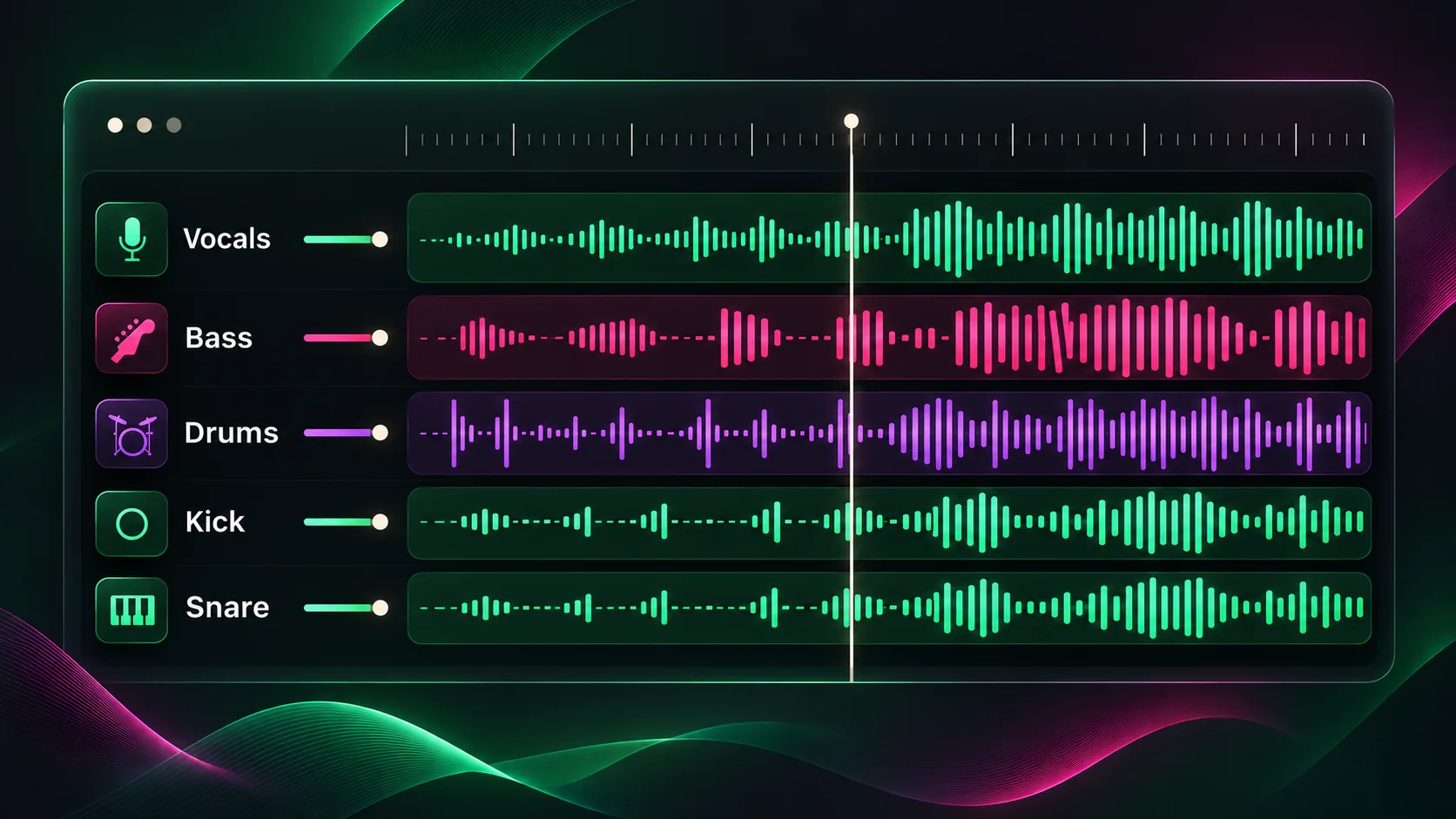
The six-stem model returns separate audio tracks for vocals, drums, bass, guitar, piano and other instruments. A part may be quiet or empty when that instrument is not prominent in the source song.
A separate vocal track for listening, practice or authorized remix work.
The detected drum and percussion part, isolated from the rest of the mix.
The low-frequency bass part, separated for study or arrangement.
A guitar-focused stem when guitar is present and recognized in the mix.
A piano-focused stem when piano is present and recognized in the mix.
Other detected musical parts that do not fit the named instrument stems.
THREE SIMPLE STEPS
Select an MP3, WAV, FLAC or M4A file from your device. Files can be up to 50 MB, and the page checks for tracks longer than 10 minutes when audio metadata is available.
Start the stem splitter and keep the page open while the uploaded track is processed into its vocal and instrument parts.
Listen to each separated track in your browser. Download the individual audio files you need for your project.
Listen to an instrument on its own, study an arrangement or prepare an authorized sample for a new production.
Use isolated parts as a starting point for mashups, edits and transitions, subject to the rights for the source recording.
Practice with a quieter vocal or instrument part, or listen closely to a performance before making your own cover.
Focus on how vocals, percussion and instruments interact without the full mix masking every detail.
Continue working with song structure, vocals, key and tempo.
Learn what the stem splitter can separate, which files it accepts and how to use the resulting audio tracks.
An AI stem splitter analyzes a mixed song and estimates separate audio tracks, or stems, such as vocals, drums, bass and instruments. You can preview and download those parts individually.
This tool can return vocals, drums, bass, guitar, piano and other instruments as six audio stems. Separation depends on what is audible in the source mix, so a stem may contain bleed or little sound.
Upload MP3, WAV, FLAC or M4A files up to 50 MB. The browser checks for audio longer than 10 minutes when it can read the file metadata.
No. This tool creates separated audio tracks, not MIDI note transcription. You can download the audio stems and import them into a DAW for further editing.
When processing finishes, each stem appears with its own audio player and download button. Preview the parts in your browser and save the tracks you need.
Stem separation is an estimate, not a recovery of the original recording sessions. Reverb, distortion, backing vocals and similar frequencies can cause artifacts or sound to leak between tracks.
No. The audio is sent securely to an online AI service for separation. Temporary input and result files expire after one hour, and request-history audio payload storage is disabled.
You can upload an audio file you are authorized to process. Separation does not grant rights to sample, publish or sell the original recording or composition, so check the applicable licenses before commercial use.