
人声
单独的人声音轨,可用于聆听、练习或获得授权的混音创作。
AI 音乐分轨
将歌曲分离为人声、鼓、贝斯、吉他、钢琴和其他乐器。上传音频文件,试听各条分轨,并下载需要的部分。
采用由 Meta 开发的 Demucs 开源音乐音源分离模型。
将歌曲拆分为独立音轨
拖入音频文件,或从设备中选择
MP3、WAV、FLAC 或 M4A · 最大 50 MB · 最长 10 分钟
音频会通过安全连接发送至在线 AI 服务进行处理。临时输入文件和结果文件将在一小时后过期。请仅上传你有权使用的音频。
选择歌曲后,分离出的音轨会显示在这里。
选择歌曲后,分离出的音轨会显示在这里。
音乐分轨工具会将完成混音的歌曲拆分为多条独立音轨,也称为 stems。你可以分别聆听人声、节奏组和其他乐器,而不必只面对一条混合音频。本 AI 音乐分轨工具采用由 Meta 开发的 Demucs 开源音源分离模型,从上传歌曲中估算六类音轨。结果适用于练习、编曲和混音工作流,但它并非原始录音室多轨工程;混响、重叠音色和复杂混音可能会造成串音或杂音。
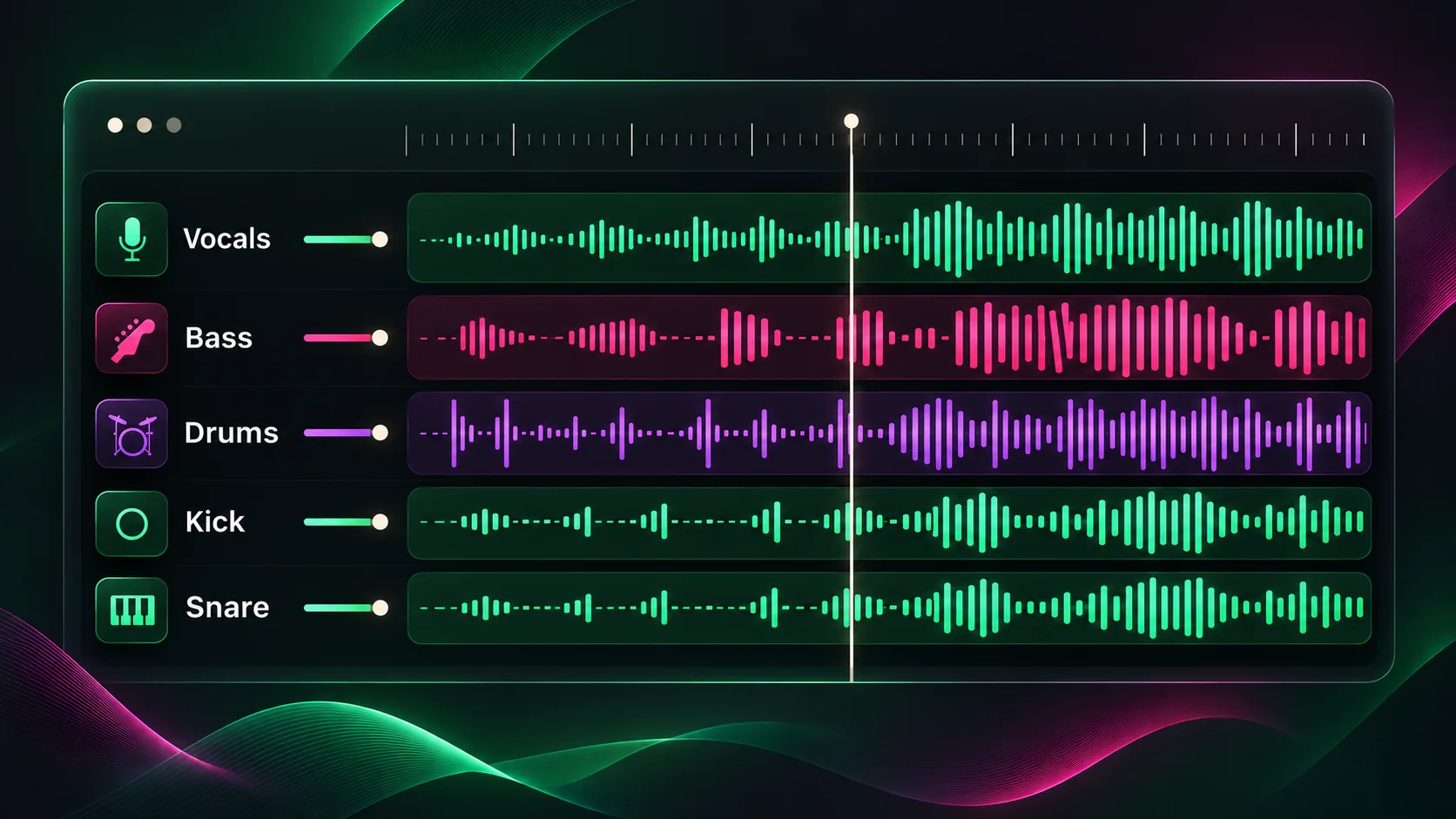
六轨模型会分别生成 vocals、drums、bass、guitar、piano 和 other instruments。若原曲中某类乐器不明显,对应音轨可能较轻或接近静音。
单独的人声音轨,可用于聆听、练习或获得授权的混音创作。
从混音中分离出的鼓和打击乐部分。
单独分离的低频贝斯部分,便于聆听或编曲。
当歌曲中存在并能识别吉他时,生成以吉他为主的音轨。
当歌曲中存在并能识别钢琴时,生成以钢琴为主的音轨。
未归入上述乐器类别的其他音乐部分。
简单三步
从设备中选择 MP3、WAV、FLAC 或 M4A 文件。文件最大 50 MB;浏览器能读取音频元数据时,也会检查是否超过 10 分钟。
启动音乐分轨工具,并保持页面打开,等待上传的歌曲处理为人声和乐器部分。
处理完成后,可在浏览器中试听每一条音轨,并下载项目需要的音频文件。
单独聆听某种乐器、研究编曲,或为新作品准备已获授权的采样素材。
将独立音轨作为混搭、剪辑和转场的起点,并遵守原始录音的使用授权。
降低人声或乐器部分的干扰进行练习,也可以仔细聆听演奏后再制作自己的翻唱。
分别聆听人声、打击乐和乐器之间的配合,了解完整混音中不容易注意到的细节。
继续分析歌曲的人声、调性和速度。
了解分轨工具可以分离哪些部分、支持哪些文件,以及如何使用生成的音轨。
An AI stem splitter analyzes a mixed song and estimates separate audio tracks, or stems, such as vocals, drums, bass and instruments. You can preview and download those parts individually.
This tool can return vocals, drums, bass, guitar, piano and other instruments as six audio stems. Separation depends on what is audible in the source mix, so a stem may contain bleed or little sound.
Upload MP3, WAV, FLAC or M4A files up to 50 MB. The browser checks for audio longer than 10 minutes when it can read the file metadata.
No. This tool creates separated audio tracks, not MIDI note transcription. You can download the audio stems and import them into a DAW for further editing.
When processing finishes, each stem appears with its own audio player and download button. Preview the parts in your browser and save the tracks you need.
Stem separation is an estimate, not a recovery of the original recording sessions. Reverb, distortion, backing vocals and similar frequencies can cause artifacts or sound to leak between tracks.
No. The audio is sent securely to an online AI service for separation. Temporary input and result files expire after one hour, and request-history audio payload storage is disabled.
You can upload an audio file you are authorized to process. Separation does not grant rights to sample, publish or sell the original recording or composition, so check the applicable licenses before commercial use.