
01
选择音频文件
从设备中选择 MP3、WAV、FLAC 或 M4A 文件。文件需小于 50 MB,时长不超过 10 分钟。
AI 音频分离
使用 AI 人声分离器提取歌曲中的人声,用于翻唱、练习或混音。试听并下载独立人声音轨;如果你想要卡拉 OK 伴奏,也可以试听并保存伴奏版本。
采用 Demucs 开源音乐分离模型,该模型由 Meta 开发。
从歌曲中分离人声
拖入音频文件,或从设备中选择
MP3、WAV、FLAC 或 M4A · 最大 50 MB · 最长 10 分钟
音频会通过安全连接发送至在线 AI 服务进行处理。临时输入文件和结果文件将在一小时后过期。请仅上传你有权使用的音频。
尚未选择音频文件
尚未选择音频文件
AI 人声分离器会将混合录音拆分为人声和乐器部分。本页以人声音轨为重点:选择六轨模式,可下载人声并同时获取鼓、贝斯、吉他、钢琴和其他乐器;选择卡拉 OK 模式,则可同时试听人声与伴奏。分离的人声可作为翻唱或混音所需清唱素材的起点。分离结果是模型估算,混响、串音和频率重叠可能仍会存在。
Demucs source separation
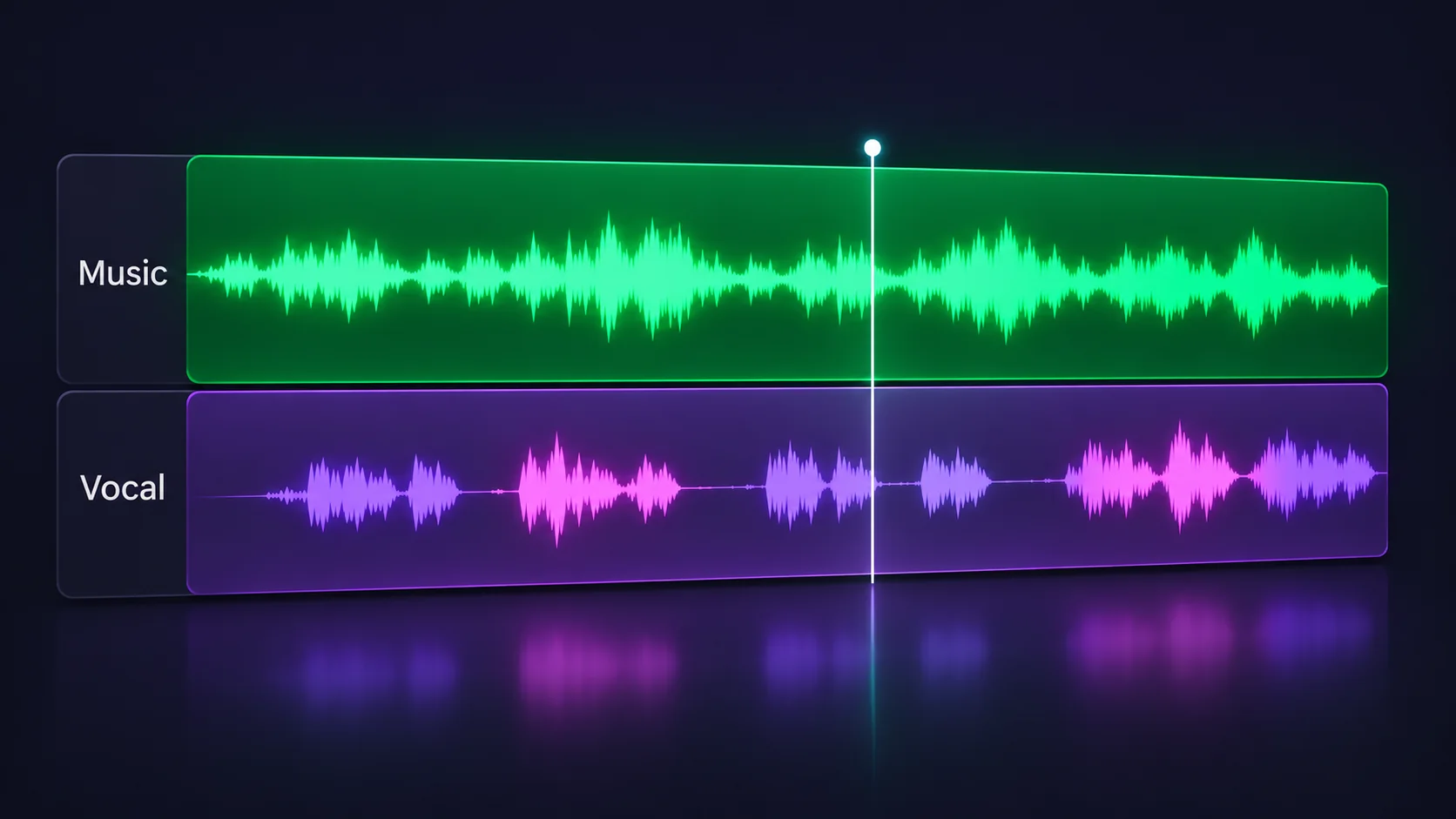
卡拉 OK 模式会同时提供独立人声和混合伴奏。你可以将人声用于翻唱或排练,也可以保留伴奏进行跟唱。
六轨模式会将人声、鼓、贝斯、吉他、钢琴和其他乐器分别导出。制作、练习、采样或混音时,可以单独试听每个部分。
Three quick steps
从设备中选择 MP3、WAV、FLAC 或 M4A 文件。文件需小于 50 MB,时长不超过 10 分钟。
选择六轨模式,重点获取独立人声及其他乐器音轨;或选择卡拉 OK 模式,同时试听人声和混合伴奏。
处理完成后,可在浏览器中逐条试听分离音轨,并下载需要保留的部分。
单独聆听演唱部分,用于练习、学习演唱技巧或准备人声表演。
提取人声、鼓或贝斯,为剪辑、混搭和新编曲提供素材起点。
单独试听主唱,学习演唱细节,或为翻唱和音频剪辑做准备。
单独提取人声,用来练习演唱、分析乐句,或为混音准备清唱素材。复杂混音中可能仍有少量杂音。
使用 AI 人声分离器提取歌曲中的人声,用于翻唱、练习或混音。试听并下载独立人声音轨;如果你想要卡拉 OK 伴奏,也可以试听并保存伴奏版本。
AI 人声分离器会将混合录音拆分为人声和乐器部分。本页以人声音轨为重点:选择六轨模式,可下载人声并同时获取鼓、贝斯、吉他、钢琴和其他乐器;选择卡拉 OK 模式,则可同时试听人声与伴奏。分离的人声可作为翻唱或混音所需清唱素材的起点。分离结果是模型估算,混响、串音和频率重叠可能仍会存在。
An AI vocal remover (or vocal isolator) estimates which sounds in a mixed recording are vocals and which are instruments, then returns separate audio tracks. Use Karaoke for a vocal plus backing track, or Six stems for individual parts.
Choose Six stems to get the vocal track separately, or use Karaoke to preview vocals and a backing track together. If by “remove vocals from song” you mean keep only the accompaniment, open our Instrumental Remover page.
Yes. This online AI vocal remover is free to use and does not require a subscription or account. Processing is rate-limited to help keep the service available.
Yes. Choose Six stems to download the separated vocals track, which can serve as an acapella starting point for practice, covers or remixing. Separation can leave some instrumental bleed or effects in the vocal.
Yes. Karaoke mode returns vocals and a combined instrumental backing track. Choose Six stems if you also want drums, bass, guitar, piano and other instruments as separate audio files.
Karaoke mode gives you a vocal track and one mixed instrumental backing track. Six-stem mode separates vocals, drums, bass, guitar, piano and other instruments for more detailed editing.
Upload MP3, WAV, FLAC or M4A audio up to 50 MB and 10 minutes long. Browser and codec support can vary by device.
Processing time depends on the track length and current service demand. A short song may finish in seconds, while longer audio can take more time. Keep this page open until the tracks are ready.
No. Audio is sent securely to the online service for processing. Temporary input and result files expire after one hour, and audio payloads are not stored in request history.
Source separation is an estimate, not a perfect reconstruction. Reverb, backing vocals, distortion and overlapping frequencies can leave artifacts or instrumental bleed in the vocal track.
That depends on the rights to the original recording and composition. Separation does not grant permission to sample, publish or sell copyrighted music; check your licenses before commercial use.
This tool accepts audio files selected from your device, not streaming links. Only upload audio you own or are authorized to process.